
After freezing one session for reuse in the previous tmuxp article, the next thing that often gets in the way is session control rather than pane layout.
In multi-host work, time is often lost in two places: switching to the right session, and validating context after each jump.
This is where tmux-sessionx can help.
1) Problem: session switching and context checks start slowing you down
When host count grows, manual cycling (next-session, previous-session) quickly stops telling you much.
One recurring cost is repeated context checks: “Which host is this?” and “Is this the right session?”
The goal is simple: pick the right session faster with preview, then confirm context faster after the switch.
2) What tmux-sessionx gives you here
In this workflow, a few popup controls matter most:
- Fuzzy search + preview before switching.
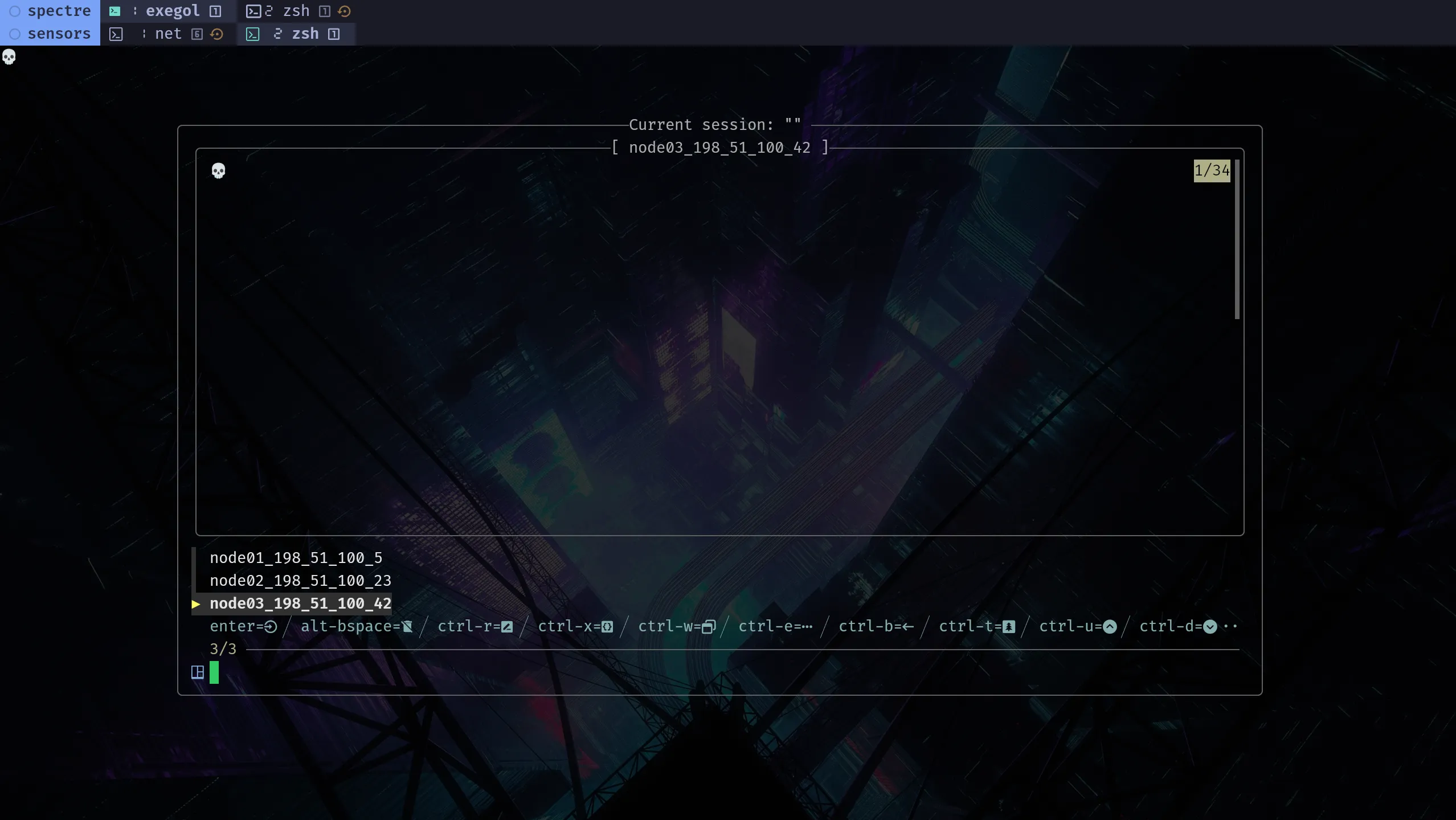
Enterto switch, or type a new name andEnterto create a session.Ctrl-rto rename andAlt+Backspaceto kill a session in place.Ctrl-wwindow mode andCtrl-ttree mode for alternate navigation views.?to toggle preview, thenCtrl-u/Ctrl-dto scroll preview output.
tmux-sessionx: full keymap and options
Check all possibilities in the official project: omerxx/tmux-sessionx. For full behavior and customization, review the README key bindings and configuration sections.
3) A practical session model: base, per-host, and sensors
A lightweight three-session split works well:
basefor shared control-plane windows:main,tunnel,framework,editor,c2_server,dns,proxy.- One per-host session with the same host shape:
main,files,c2_client,revshell,brute_spray. sensorsfor centralized visibility and transfer:net,monitors,transfer.
base, host, and sensors are example labels. Keep names that match your workflow and stay consistent.
Optional: dedicate a second screen to sensors
If you have a second monitor, keeping the sensors session visible there can reduce context switching while you move across per-host sessions. On a single screen, keep sensors pinned and jump back with tmux-sessionx when needed.
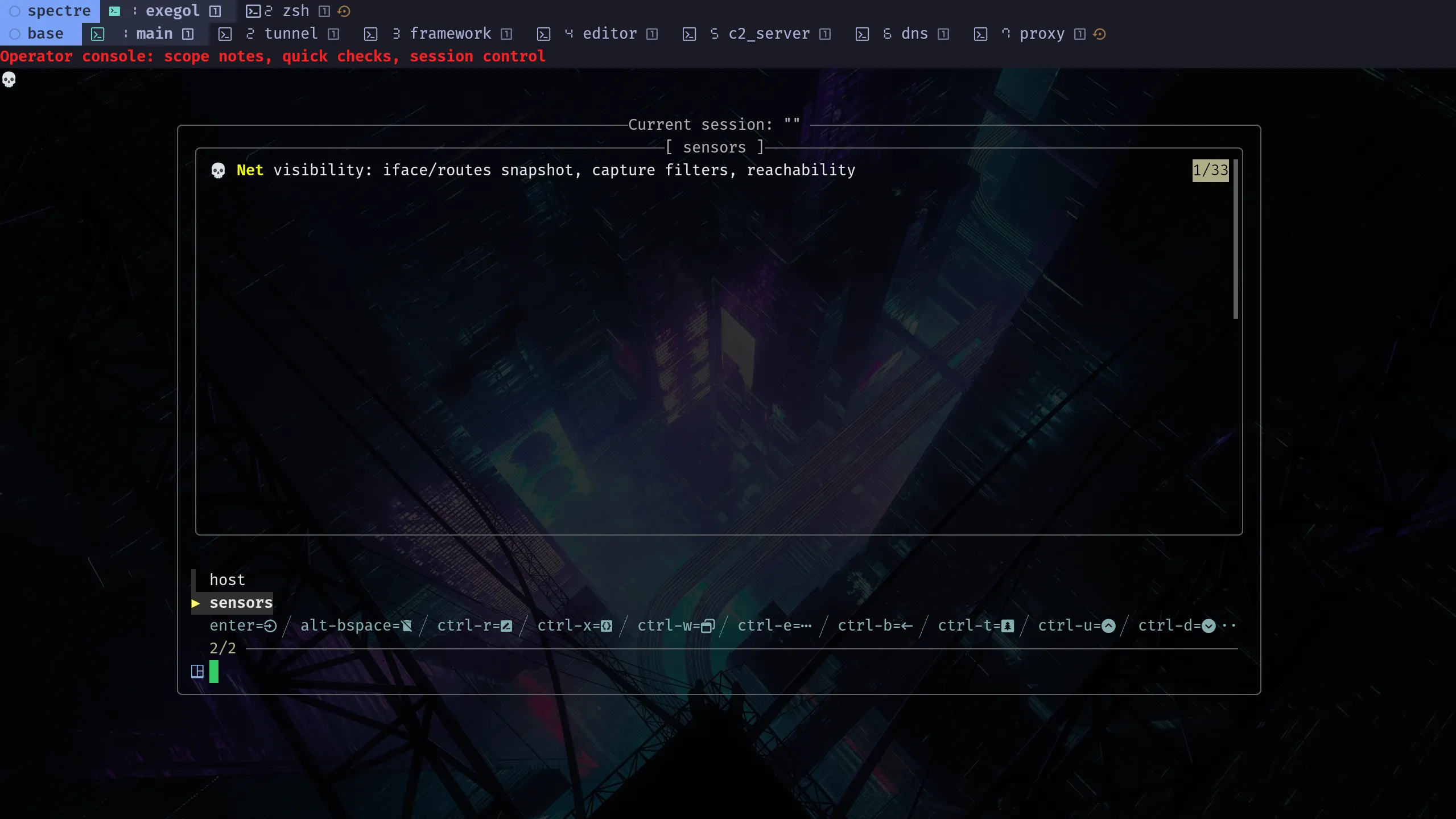
tmux-sessionx becomes more useful when the session list reflects those roles instead of turning into a flat pile of shells. In the screenshot below, sensors is selected, host stays right next to it in the picker, and the preview text comes from pane titles defined in YAML.
YAML files used for this model:
4) Why this works well with tmux-sessionx
The session list stays compact: a control session, a sensors session, and node_IP per-host sessions.
tmuxp keeps the same shape across host sessions, and tmux-sessionx uses that shape for switching. Preview then gives you a quick context check instead of forcing you to guess.
Window mode becomes easier to scan when repeated roles (main, files, revshell, brute_spray) are consistent across host sessions.
5) Multi-host naming + boundaries
A useful naming pattern is node_IP.
node is only an example prefix here. Replace it with a name or hostname if that fits your workflow better.
$ tmux new-session -As node01_198_51_100_5Possible examples: node02_198_51_100_23, node03_198_51_100_42.
This makes fuzzy results more predictable and keeps similar host names distinct with the IP suffix.
You can also add a prefix:
int_Name_IPfor internal/post-foothold context.ext_Name_IPfor external/internet-facing context.