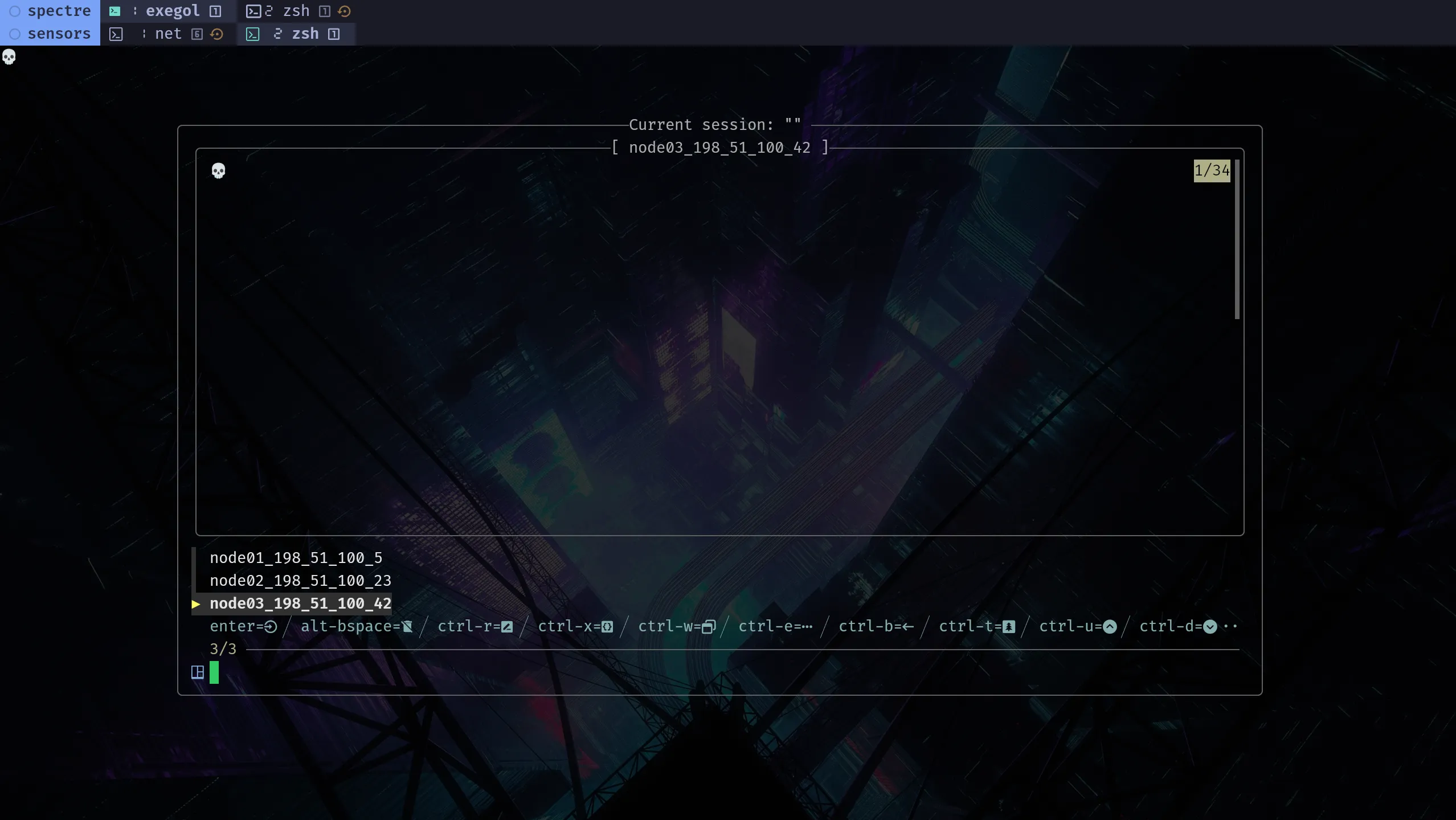

A tmux session rarely settles in one pass: panes change roles, windows get reorganized, and commands change too.
tmuxp can help once the session starts to settle. Instead of defining everything too early in YAML, build the session in tmux first, window by window and pane by pane. Freeze it once it is stable.
tmuxp project
Official project: tmuxp/tmuxp
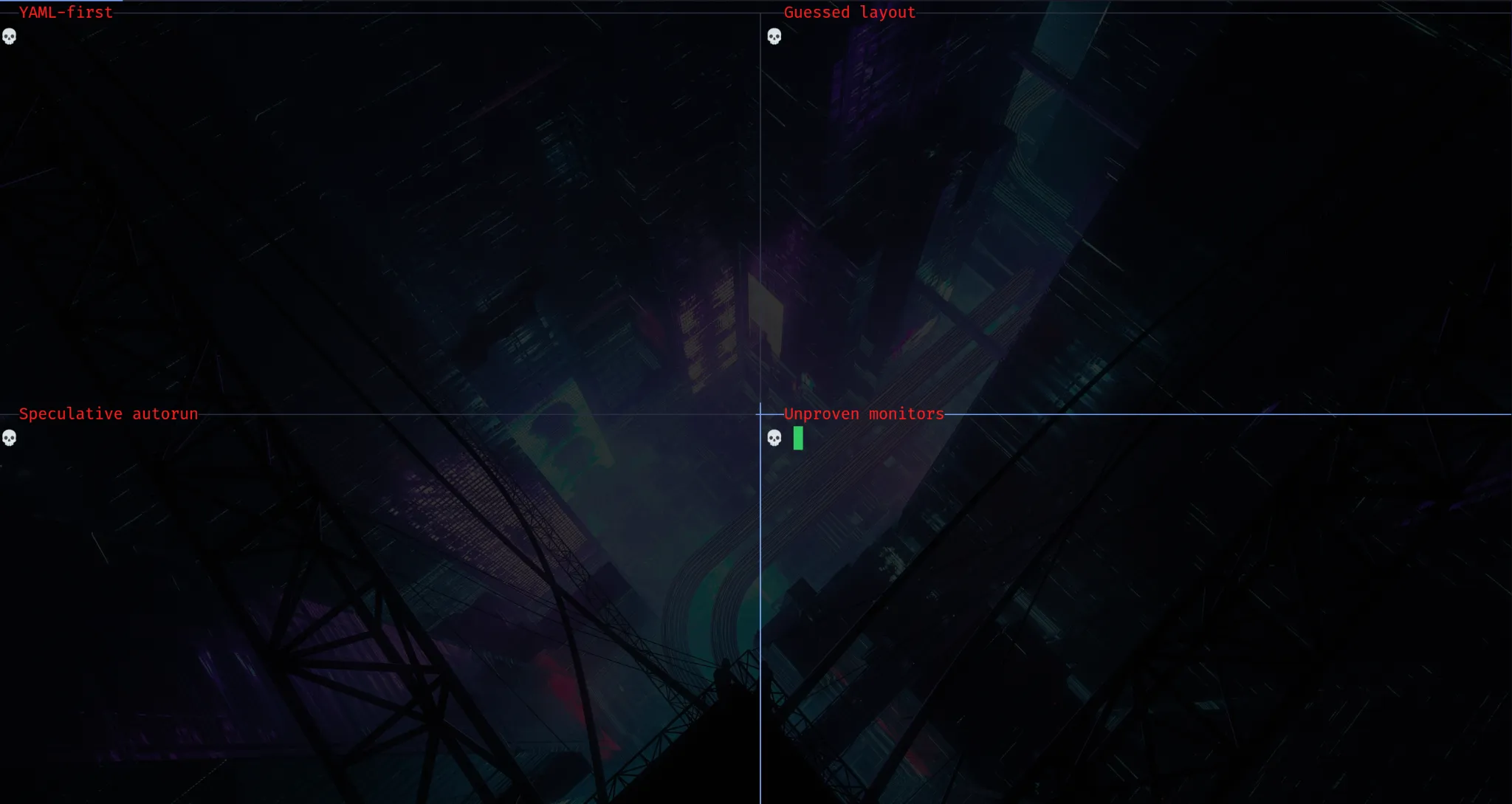
Practical workflow
1. Start a tmux session
Create a tmux session, or attach to an existing one. You can then reconnect to it, export it, and reload it.
$ tmux new-session -As sensorssensors is used here as an example monitoring session, but the same approach works for other kinds of tmux sessions too.
2. Shape the session under real use
Use the session and adjust it deliberately: keep the panes you actually use, resize for visibility, rename windows when useful, and repurpose panes as work evolves.
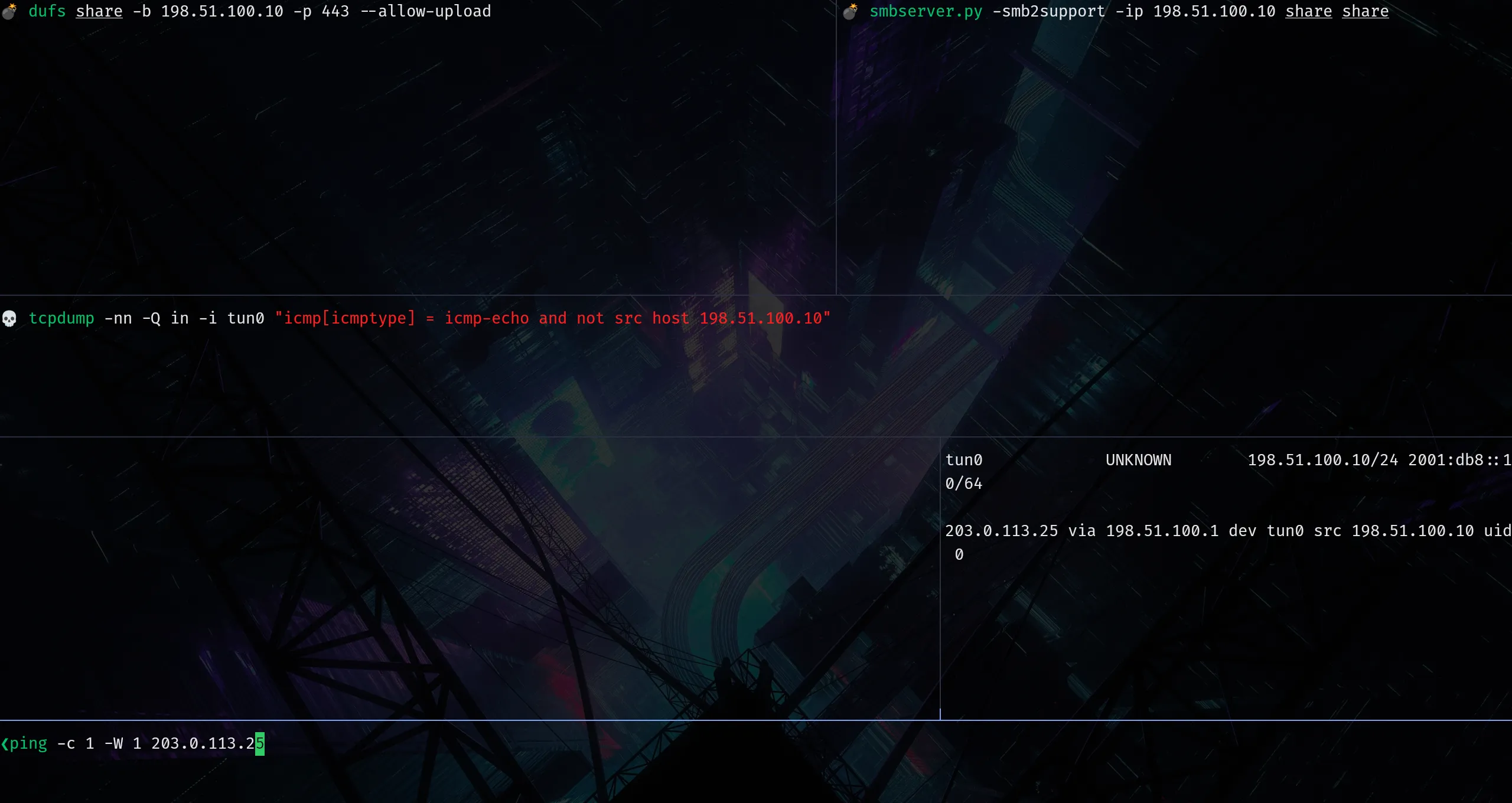
3. Export the session once it is stable
Once pane roles are mostly settled, export the running session to a tmuxp config file.
$ tmuxp freeze sensors -o sensors.yaml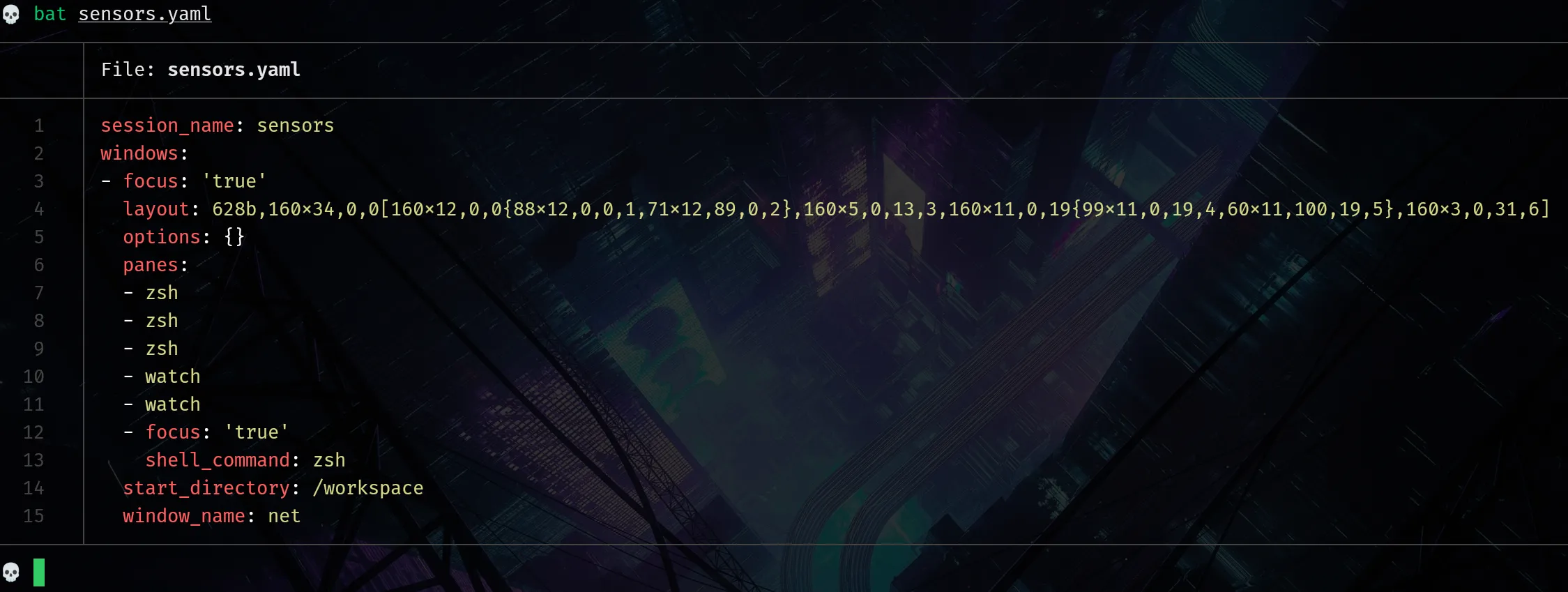
Important
tmuxp freeze exports the running session to a tmuxp config file. That gives you a reusable base for later reloads. It is not a full snapshot of shell state or running processes, and the export can still include temporary commands that need cleanup.
4. Clean up the YAML if needed
- Replace commands brought over by the export with the ones you actually want to replay, and use multi-line commands when needed.
- To leave a pane explicitly blank, use
null/blank/pane. - Stage commands with
enter: falsewhen they should be visible without running automatically. - Put shared setup in
shell_command_before(also shown here).
Keep the panes and windows as they are, then adjust only the commands you want to replay.
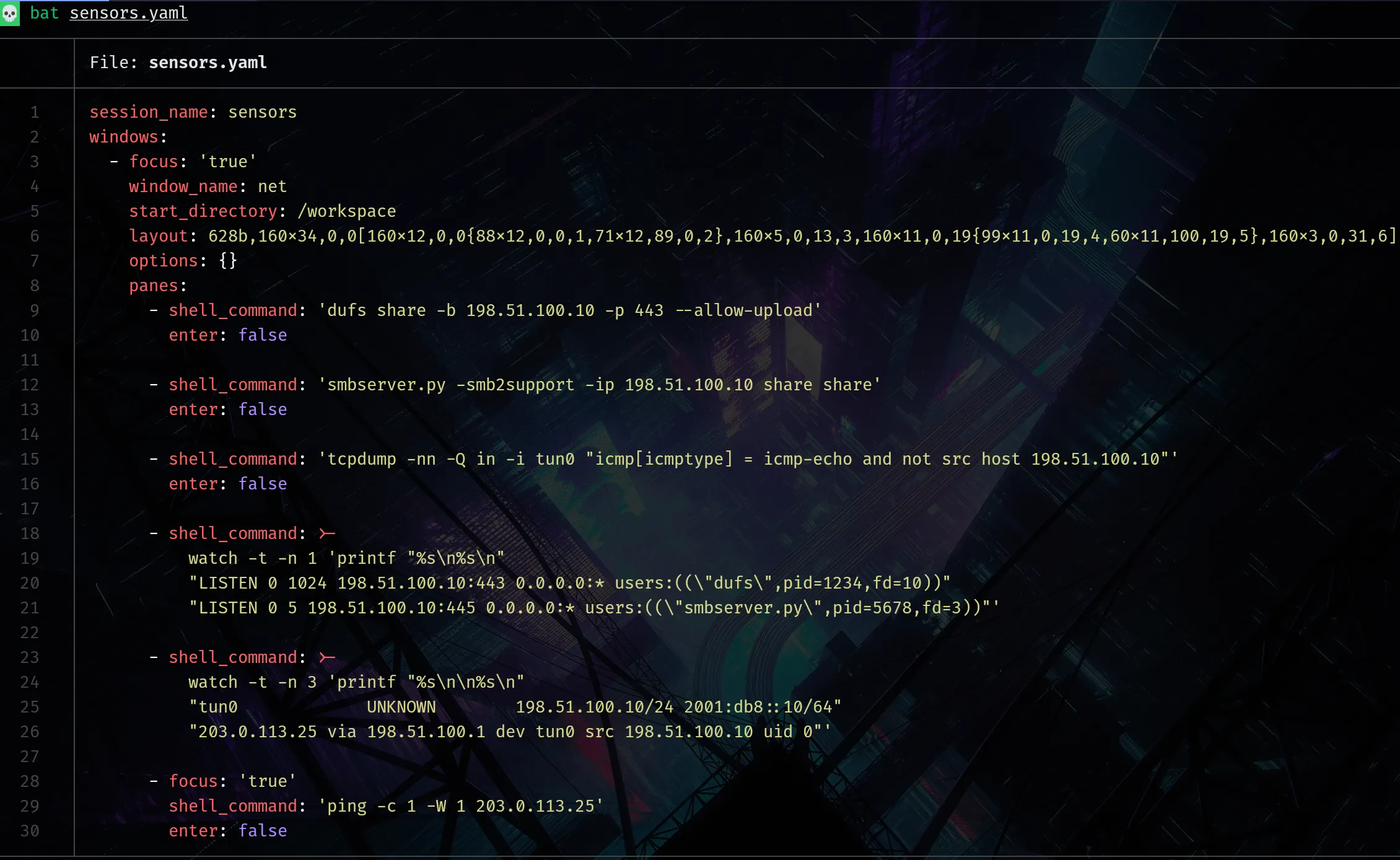
In this adjusted sensors.yaml:
enter: falseis applied to action panes so commands are preloaded without running automatically.- The two monitoring panes, which run
watch, start automatically. start_directory: /workspaceopens the pane in/workspace, so the right working directory is there when the session loads.focus: trueplaces focus on that pane.
5. Load the YAML
$ tmux has-session -t sensors 2>/dev/null && tmux kill-session -t sensors; tmuxp load ./sensors.yamlCheck that the panes come back as expected and that commands behave the way you want. If not, adjust the YAML and load it again.
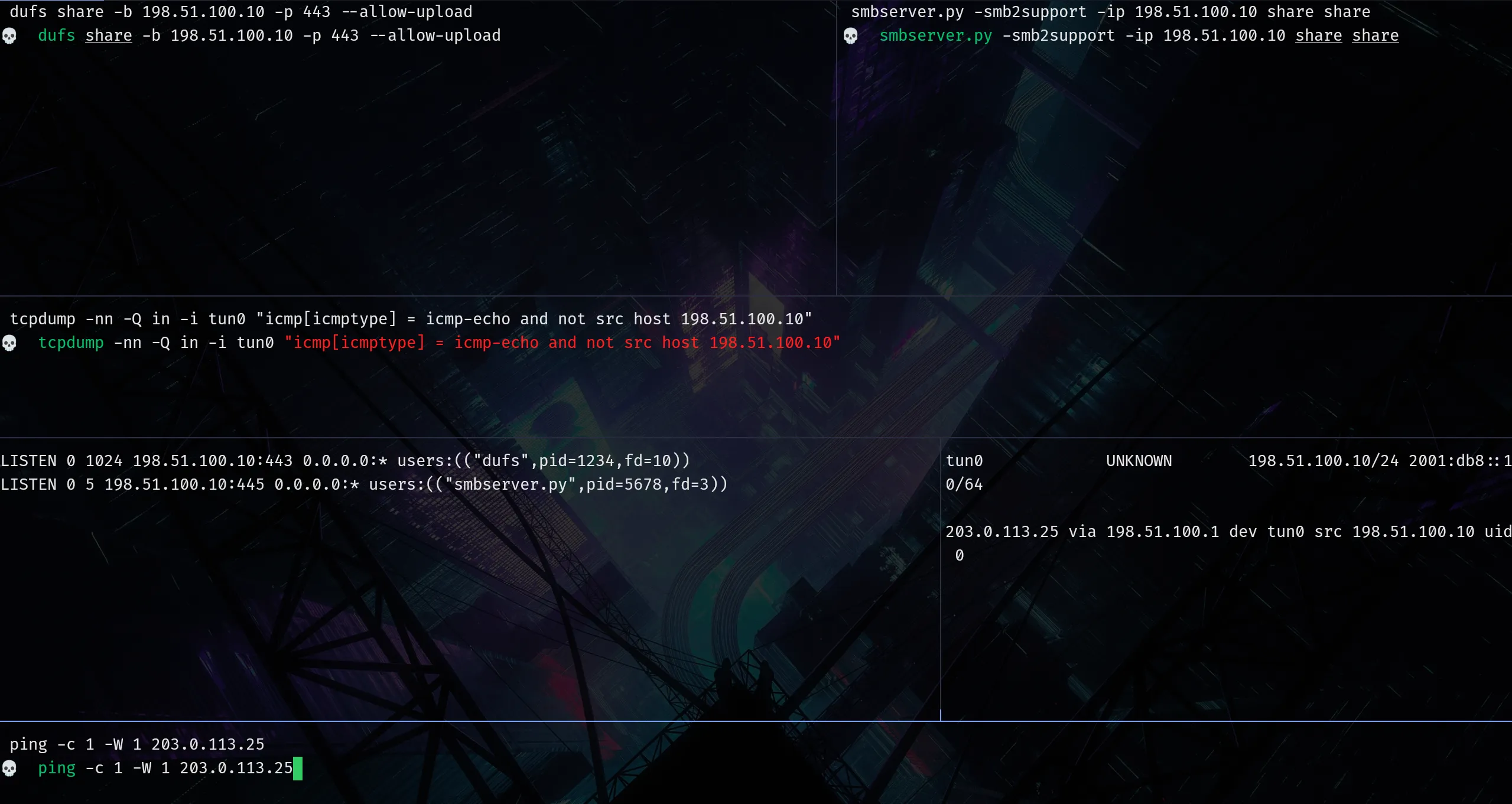
Work in tmux first, export the session with tmuxp freeze 🧊, and only adjust the YAML if needed.