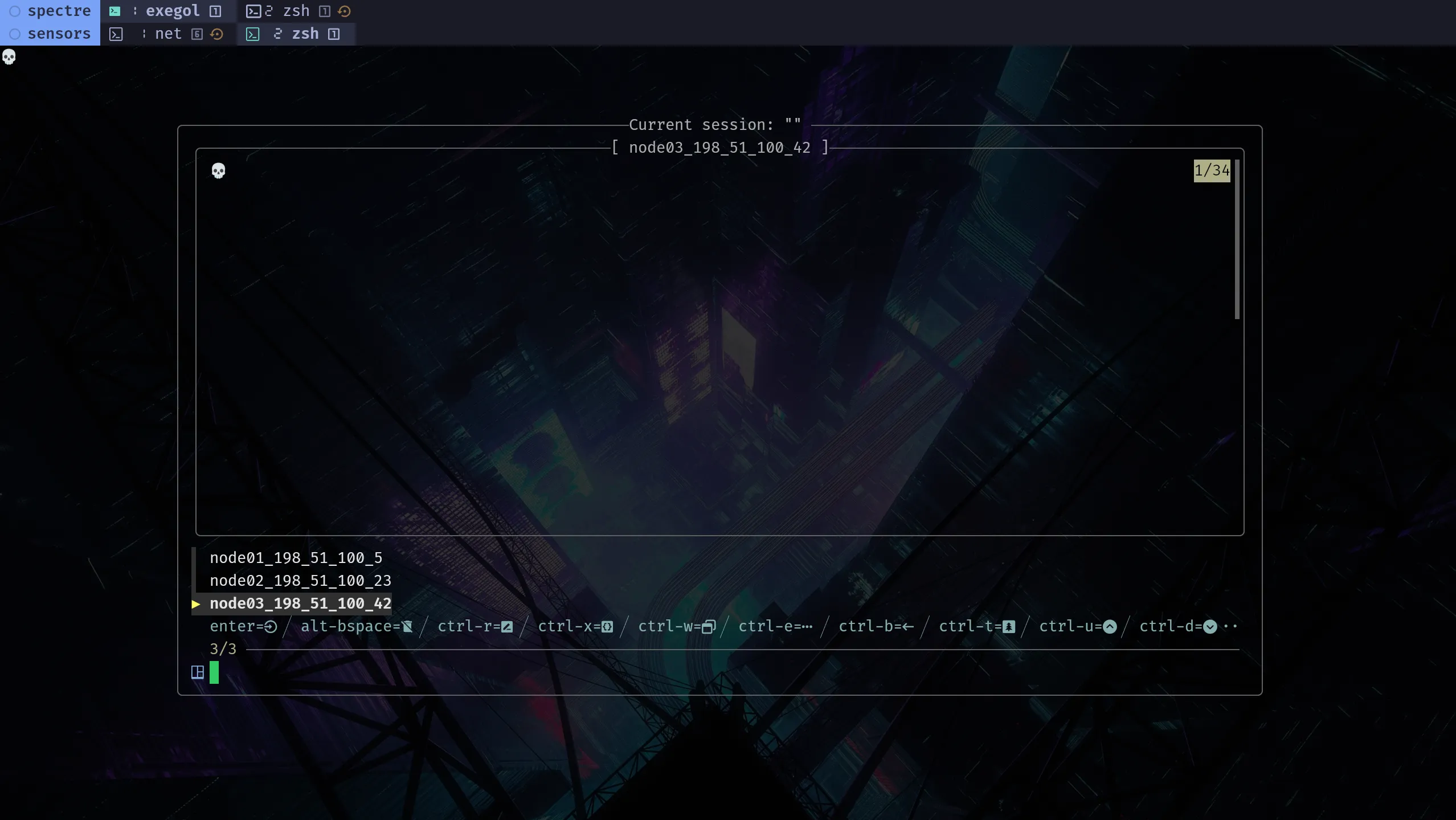

A tmux session often takes shape during live work: panes get repurposed, windows get regrouped, and commands get corrected, dropped, or kept.
tmuxp helps when that structure starts to settle. Instead of defining the session too early, build it in tmux first, then save the parts worth repeating.
tmuxp project
Official project: tmuxp/tmuxp
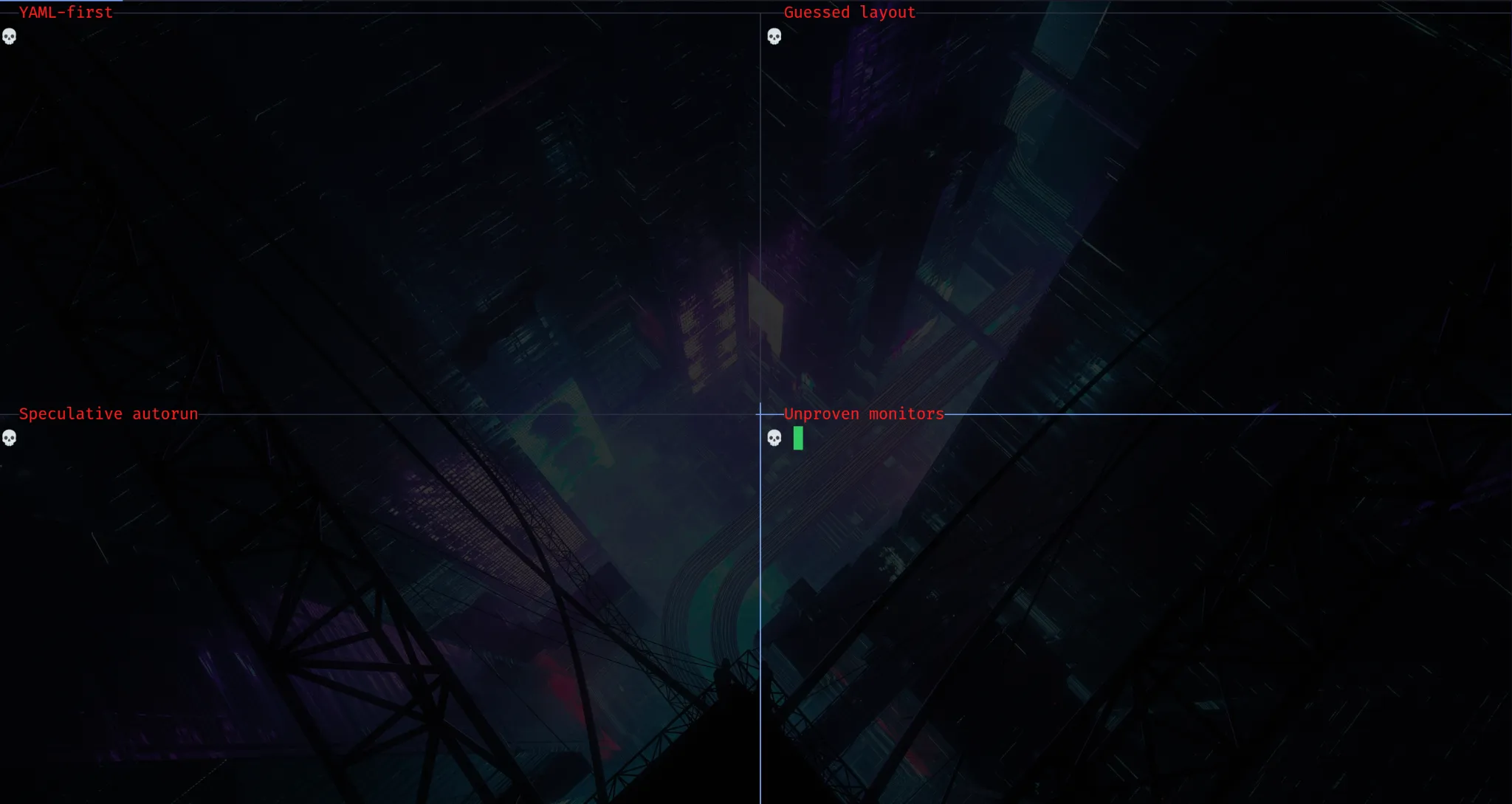
Practical workflow
1. Start a named tmux session
Create or attach to a named tmux session. The session name gives you a stable target to reattach, export, and reload.
$ tmux new-session -As sensorssensors is just the example name in this walkthrough; the same flow works for any tmux session you want to preserve.
2. Shape the session under real use
Use the session and adjust it deliberately: keep the panes you actually use, resize for visibility, rename windows when useful, and repurpose panes as work evolves.
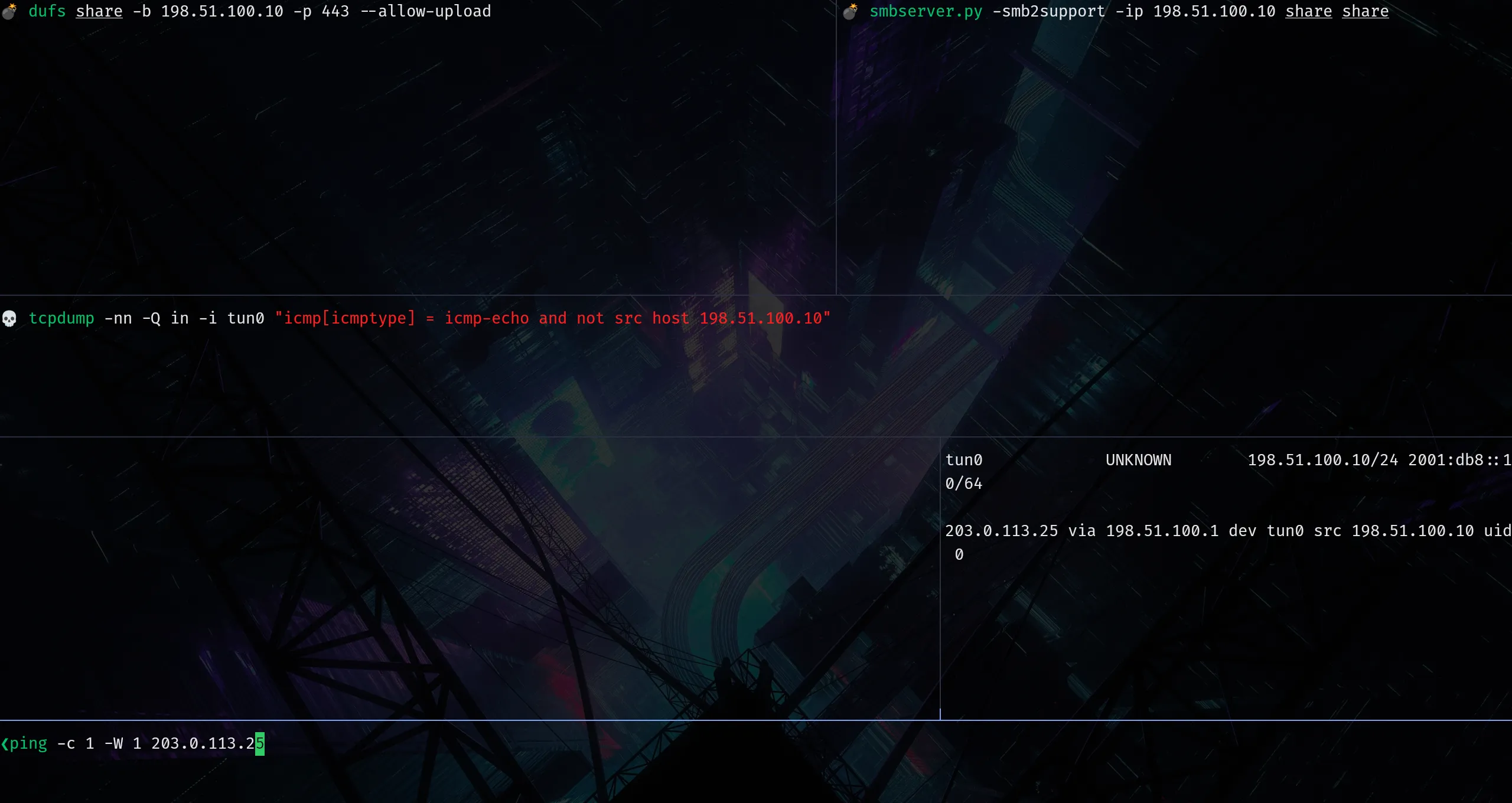
3. Export the proven layout
Once layout and pane roles are stable enough, export the running session to a tmuxp workspace file.
$ tmuxp freeze sensors -o sensors.yaml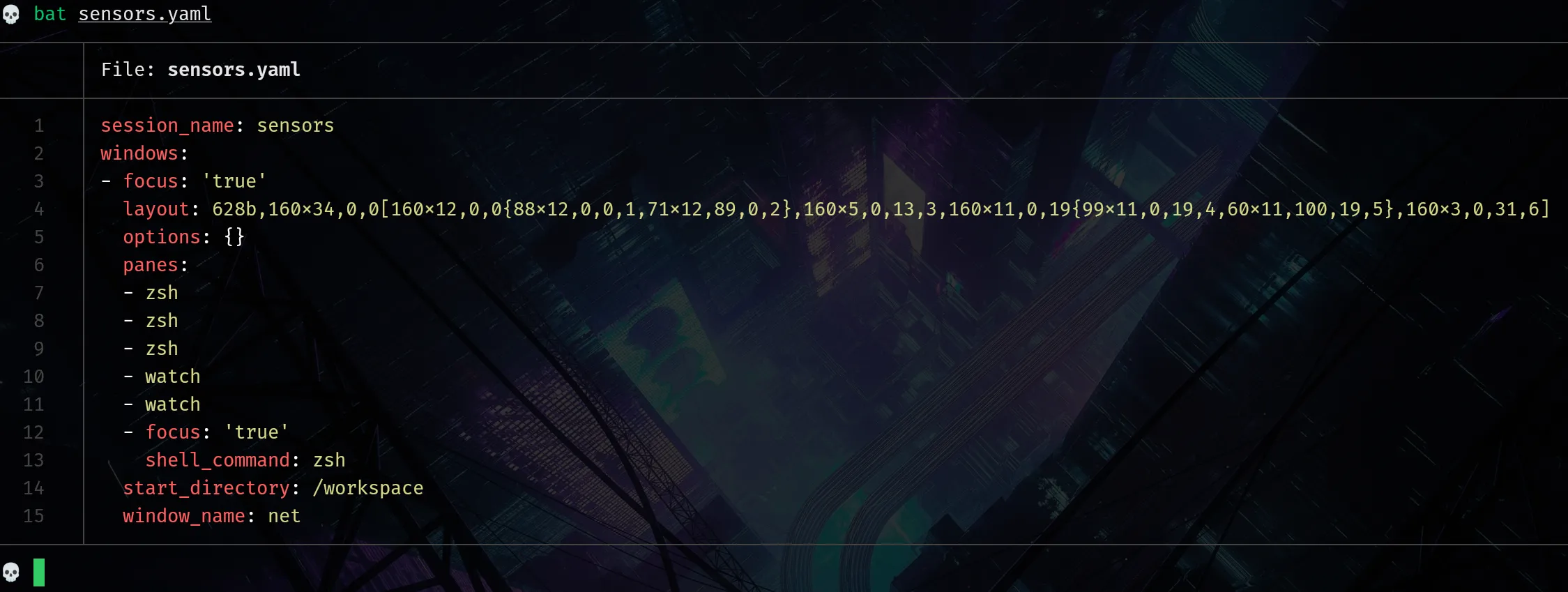
Important
tmuxp freeze exports a reusable workspace definition from the live session and preserves the proven structural baseline for reload. It is not a full checkpoint of shell runtime or long-running process state, and exported commands can still include temporary live-session activity that needs cleanup.
A frozen export can have the right structure but still contain commands that are wrong for repeatable startup. Keep the pane/window structure and rewrite only replay behavior.
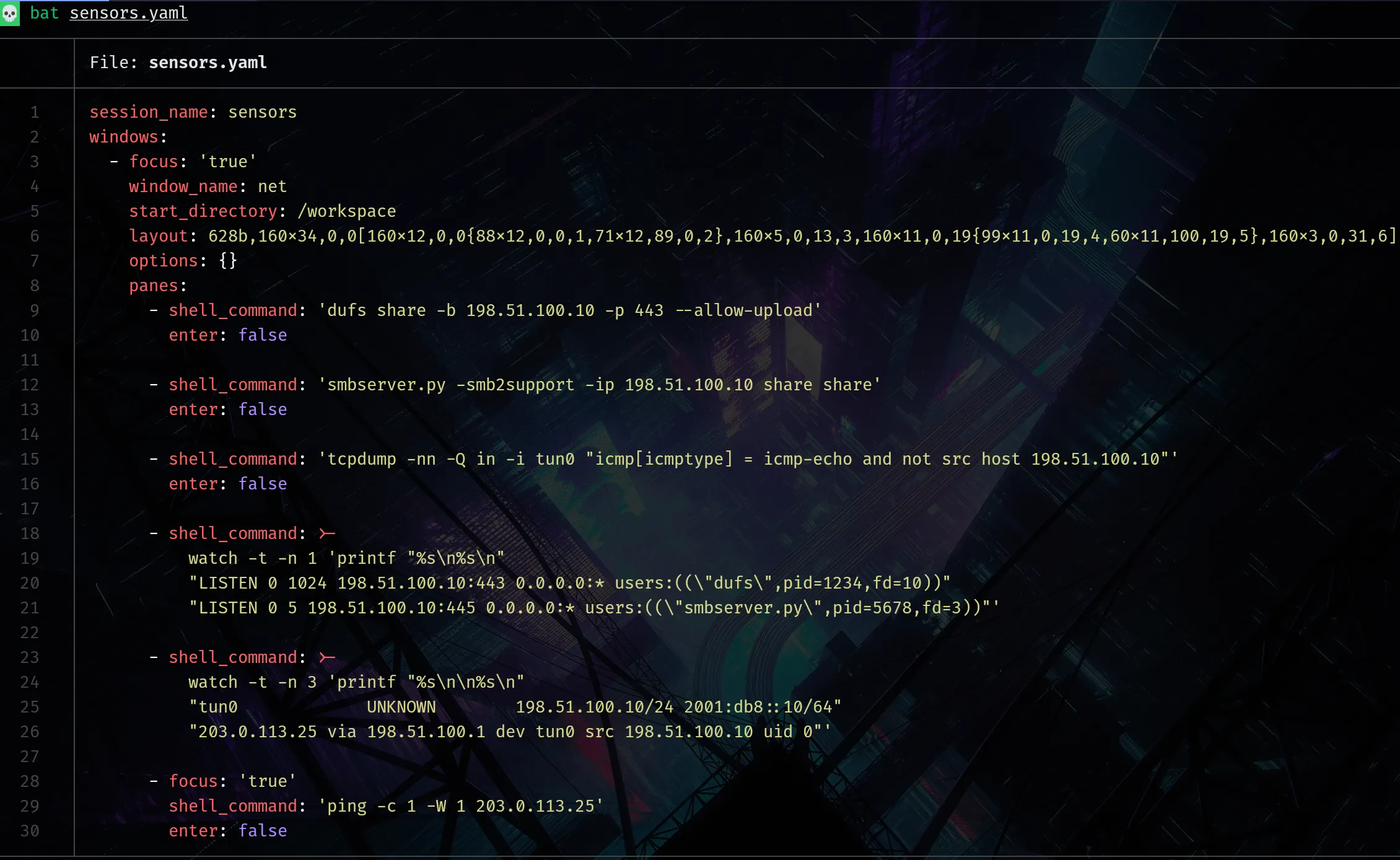
In this updated sensors.yaml, replay policy is explicit:
enter: falseis applied to action panes so commands are preloaded but require explicit confirmation.- The two
watchpanes stay auto-running because they are observer panes. start_directory: /workspacekeeps context stable, andfocus: 'true'lands on a staged action pane.
The frozen YAML reflects whatever was active at freeze time. That is useful for structure, but often noisy for repeatable startup.
4. Optionally refine replay behavior
Refinement is optional. If reload behavior is already correct, the frozen file is enough.
When cleanup is needed, treat it as explicit authoring after export: keep the structure, then rewrite only replay behavior.
- Replace one-off live commands with intentional startup commands, and use multi-line commands when readability matters.
- Keep manual panes explicit with
null/blank/pane. - Stage commands with
enter: falsewhen they should be visible but not auto-run. - Move shared setup to
shell_command_before(also shown here).
Verify before routine reuse
Before routine reuse, reload once from YAML and confirm behavior matches the file.
$ tmux has-session -t sensors 2>/dev/null && tmux kill-session -t sensors; tmuxp load ./sensors.yamlCheck that reload succeeds, pane structure matches the frozen layout, and command behavior matches your replay policy. If not, adjust the relevant YAML and rerun.
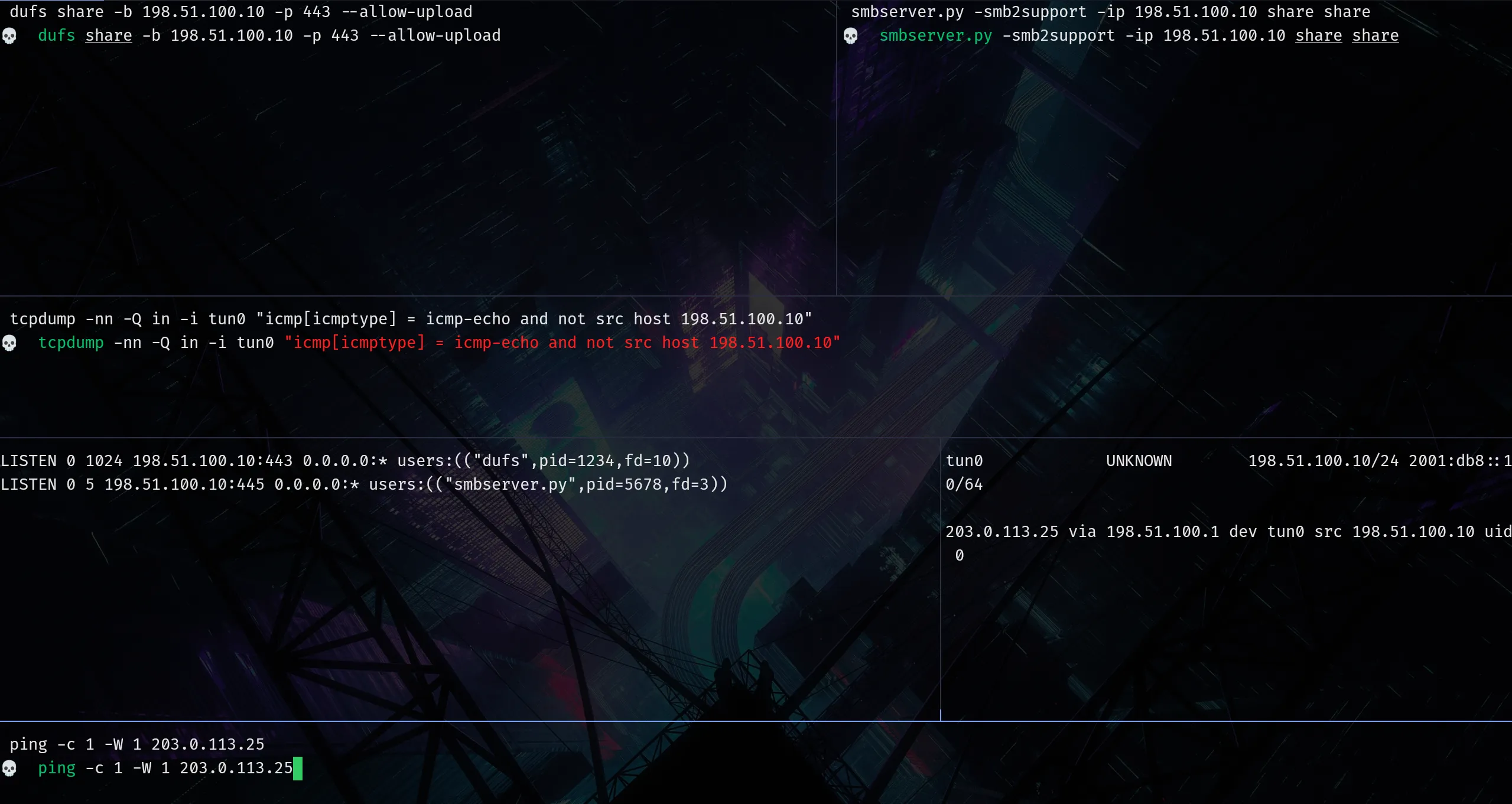
Use tmux live until the layout proves itself, save it with tmuxp freeze 🧊, and refine YAML only where reuse still creates friction.